
Audit Overview
Your store's untapped revenue potential — and how to unlock it
Why We Created This Audit
We analyzed pci-hicare.com the same way we've audited 350+ e-commerce stores — looking for the specific gaps between your current experience and what top-performing Health & Wellness stores deliver. Every finding in this report is a revenue opportunity backed by industry data and competitive benchmarks.
What We Analyzed
- UX & Conversion Design14 findings
- Technology & App StackPlatform + 5 apps
- Industry BenchmarksHealth & Wellness
Pages Analyzed
- Homepage findings
- Collection Pages findings
- Product Pages (PDP) findings
- Cart & Checkout findings
 This audit was prepared by Growisto — a CRO-led Website development team behind 167% conversion growth for Atomberg, 46% CR lift for TyresNmore, and 350+ e-commerce projects.
UX & Conversion Findings
Page-by-page analysis with visual comparisons against top Health & Wellness stores
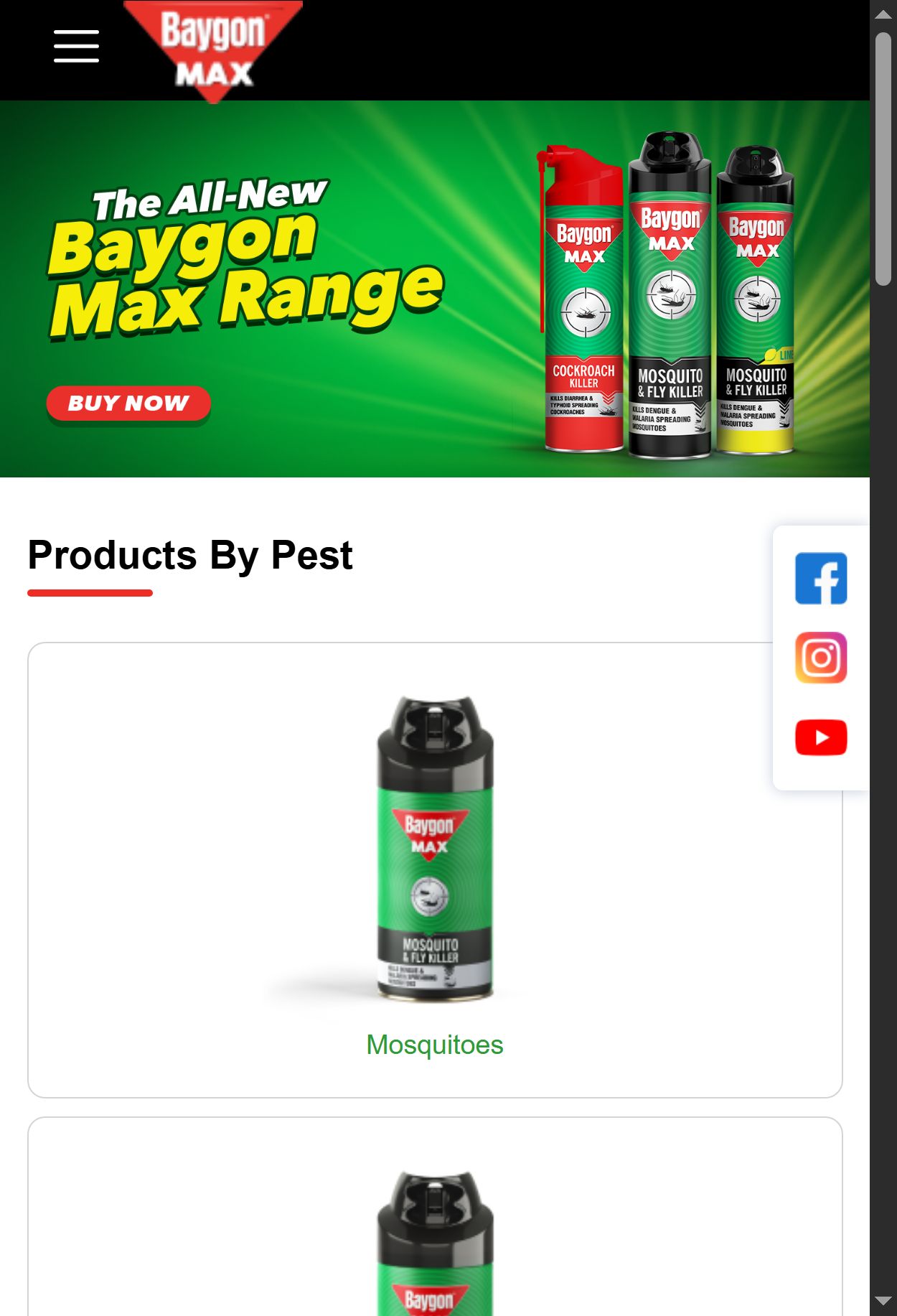
- Navigation is hidden behind a hamburger menu with no visible pest-type shortcuts on the homepage — users must tap twice just to begin category browsing.
- Shoppers arriving with a specific pest problem (cockroaches, mosquitoes, termites) face an unguided browse experience; there is no concern-based entry point above the fold or in the sticky bottom nav.
- The bestsellers carousel uses a Residential/Commercial toggle but no pest-type filtering — a user seeking a termite solution must scroll through all categories manually.
- Concern-based navigation is present in 7/10 top H&W stores and is the single highest-impact navigation pattern for multi-SKU pest control brands.
- Add a horizontal icon-pill row immediately below the hero banner with 4-6 pest categories (Mosquito, Cockroach, Termite, Rodent, Bed Bug, Flies) — each linking to a pre-filtered collection.
- Surface these same categories as visual tiles in the sticky bottom navigation or as a mega-menu under the hamburger so pest intent is served with one tap.
- Use recognisable pest icons (not text alone) to make scanning instant for low-literacy and vernacular-language users.
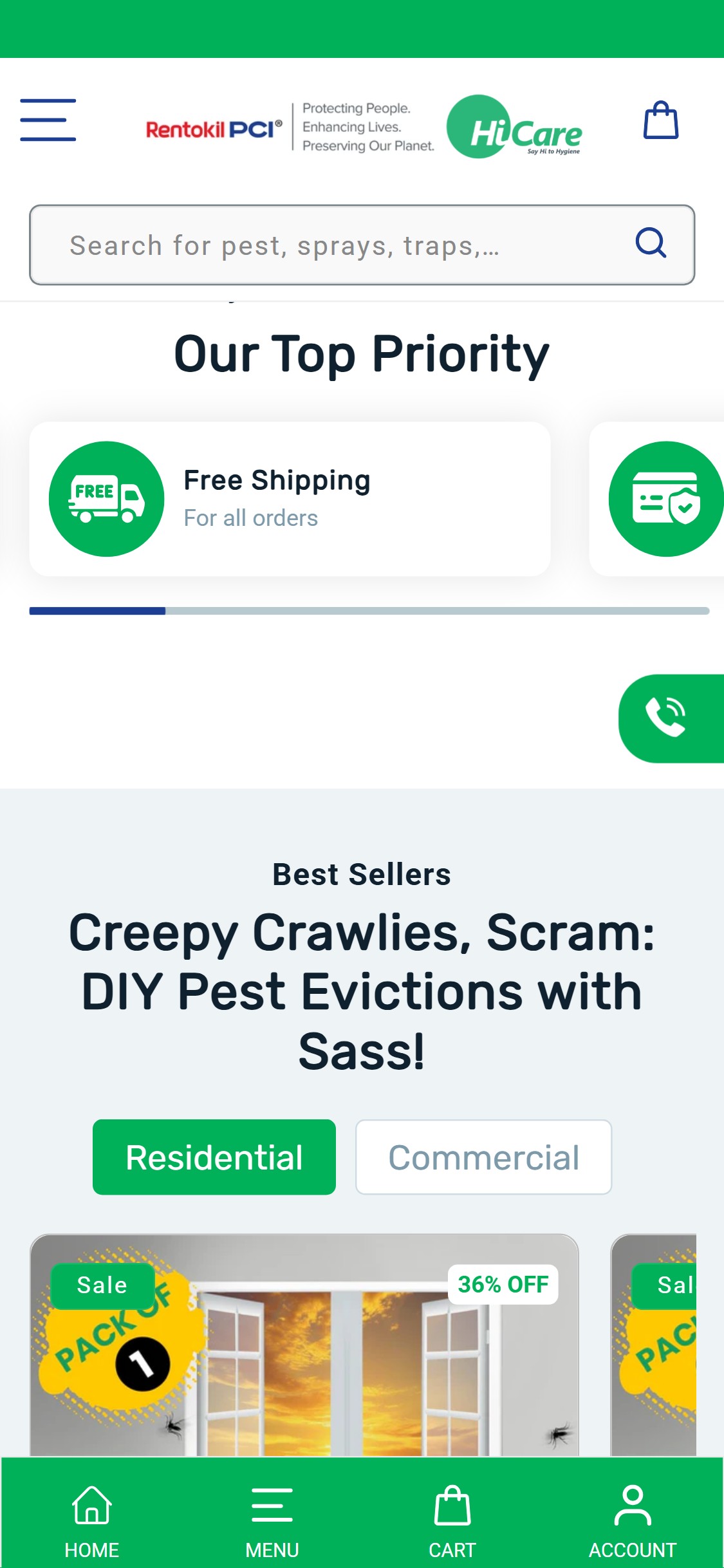
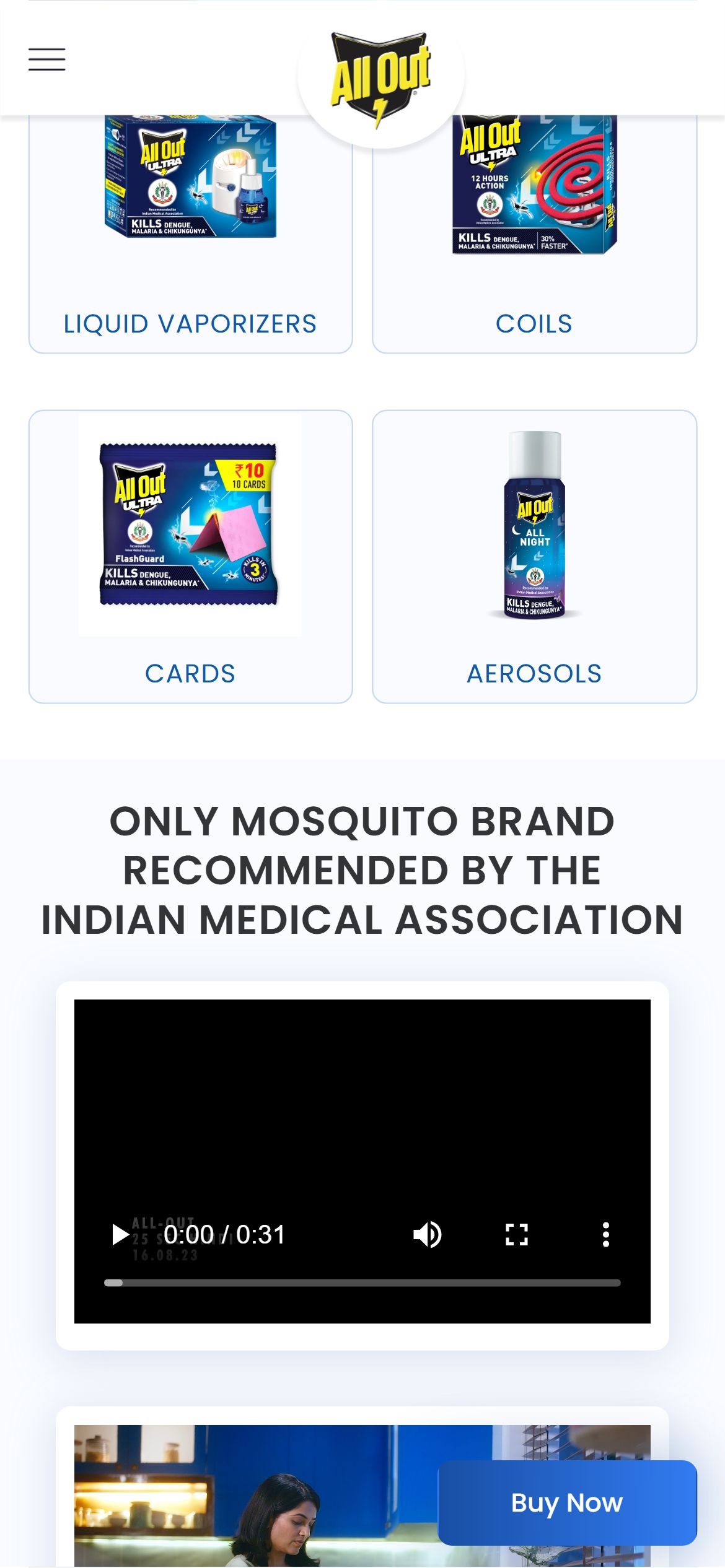
- The homepage shows only generic icon badges (Free Shipping, Secure Payment) in the 'Our Top Priority' section — no safety or regulatory certifications (WHO-approved, CIBRC-registered, ISO, GMP) are displayed anywhere above the fold.
- Pest control products carry inherent chemical-safety anxiety for buyers; absence of visible regulatory badges prevents trust establishment before the first scroll.
- The hero banners feature 'Ready to Use / Fast Acting / Easy to Apply' copy but no certification credentials — generic claims without official validation carry low credibility with safety-conscious Indian families.
- Trust badge bars with 3+ regulatory icons are present in 9/10 top H&W stores; for pest control this directly maps to CIBRC registration, WHO pesticide classification, and Made in India credentials.
- Add a horizontal trust bar directly below the hero carousel with 4-5 iconographic badges: CIBRC Registered, WHO-Approved Formula, ISO Certified, Rentokil PCI Global Expertise (70-year badge), Child & Pet Safe.
- Place the trust bar above the bestsellers section (current position of 'Our Top Priority' is too low — it appears after 1.5 scrolls) so it validates the brand before products are shown.
- Each badge should link to a verification page or FAQ explaining the certification for deeper trust-building.
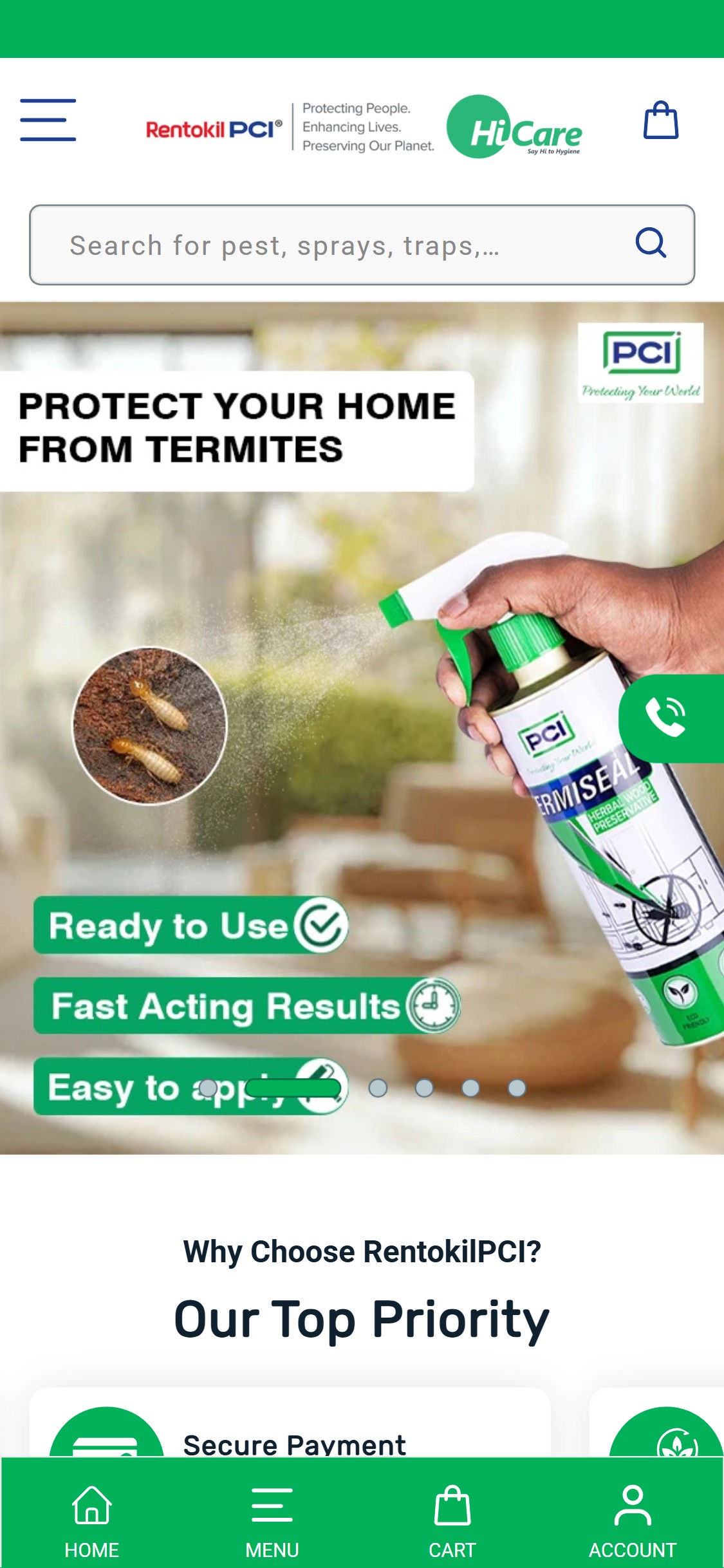
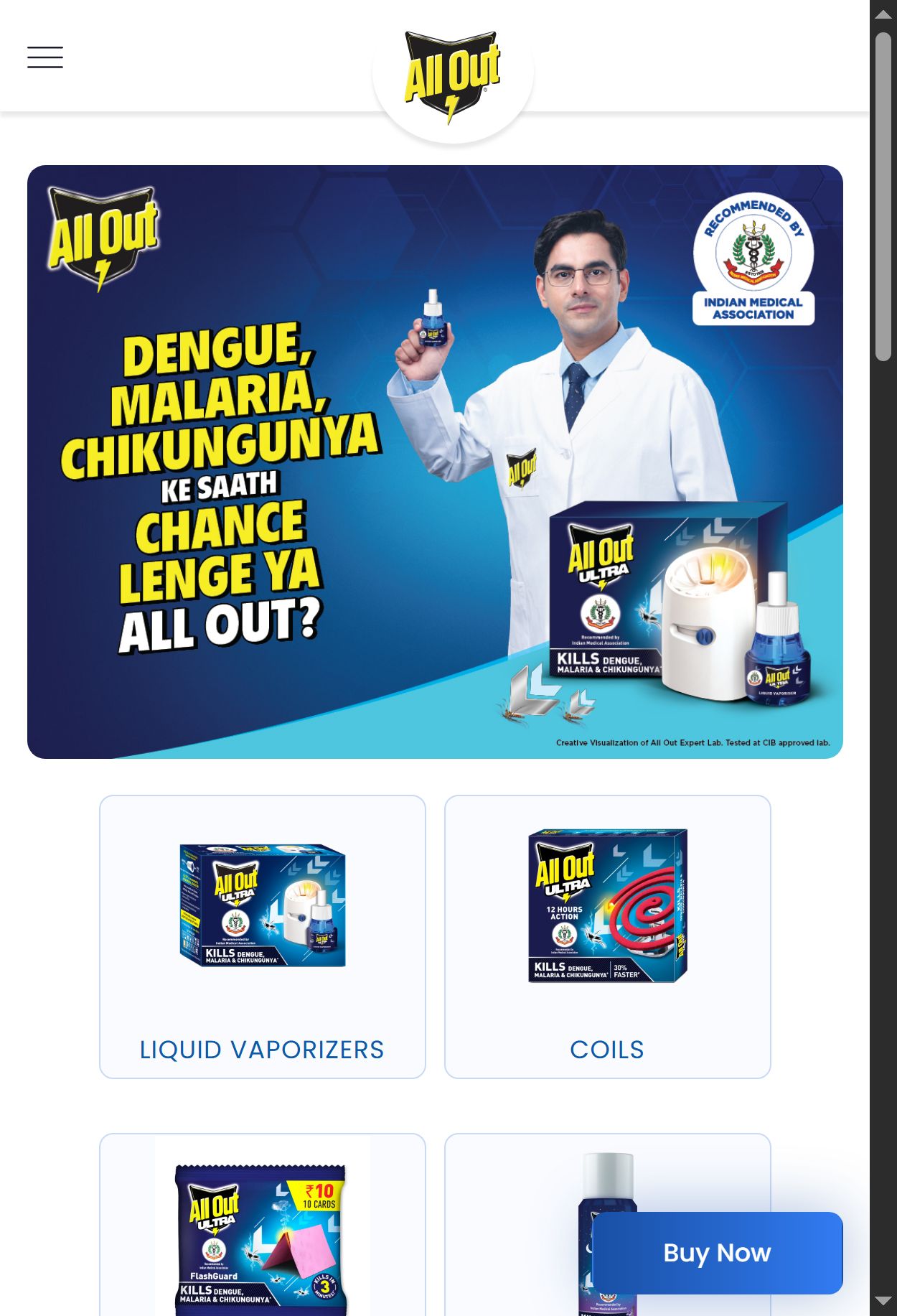
- Both observed hero slides ('Bug Seal Bed Bug Spray', 'Protect Your Home From Termites') show product imagery and benefit callouts but no clickable CTA button — the banner is purely informational.
- Users who are intent on buying after seeing the hero have no immediate conversion pathway; they must scroll down to find products or navigate through the hamburger menu.
- The bottom navigation bar (Home / Menu / Cart / Account) is persistent but does not provide a 'Shop' shortcut — the only next step from the hero is scrolling.
- Health/benefit hero messaging is used by 10/10 benchmark stores; all 10 pair it with a CTA button linking directly to the relevant product category.
- Add a high-contrast CTA button ('Shop Now' or 'View All Bed Bug Solutions') at the bottom of each hero slide — position above the pagination dots in a fixed 44px touch-target zone.
- Make the hero slide itself clickable (entire area links to the featured product or category) as a secondary interaction for users who tap the image rather than the button.
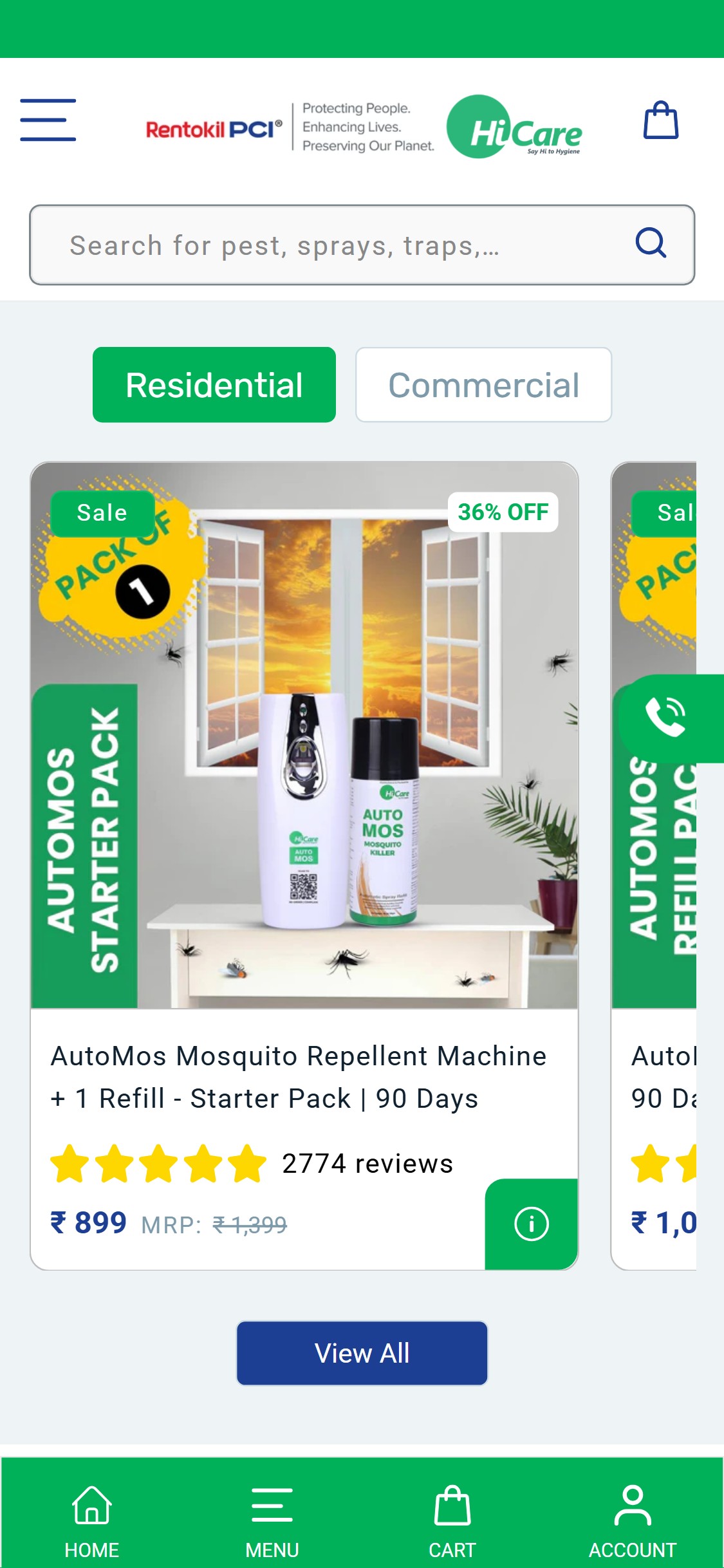
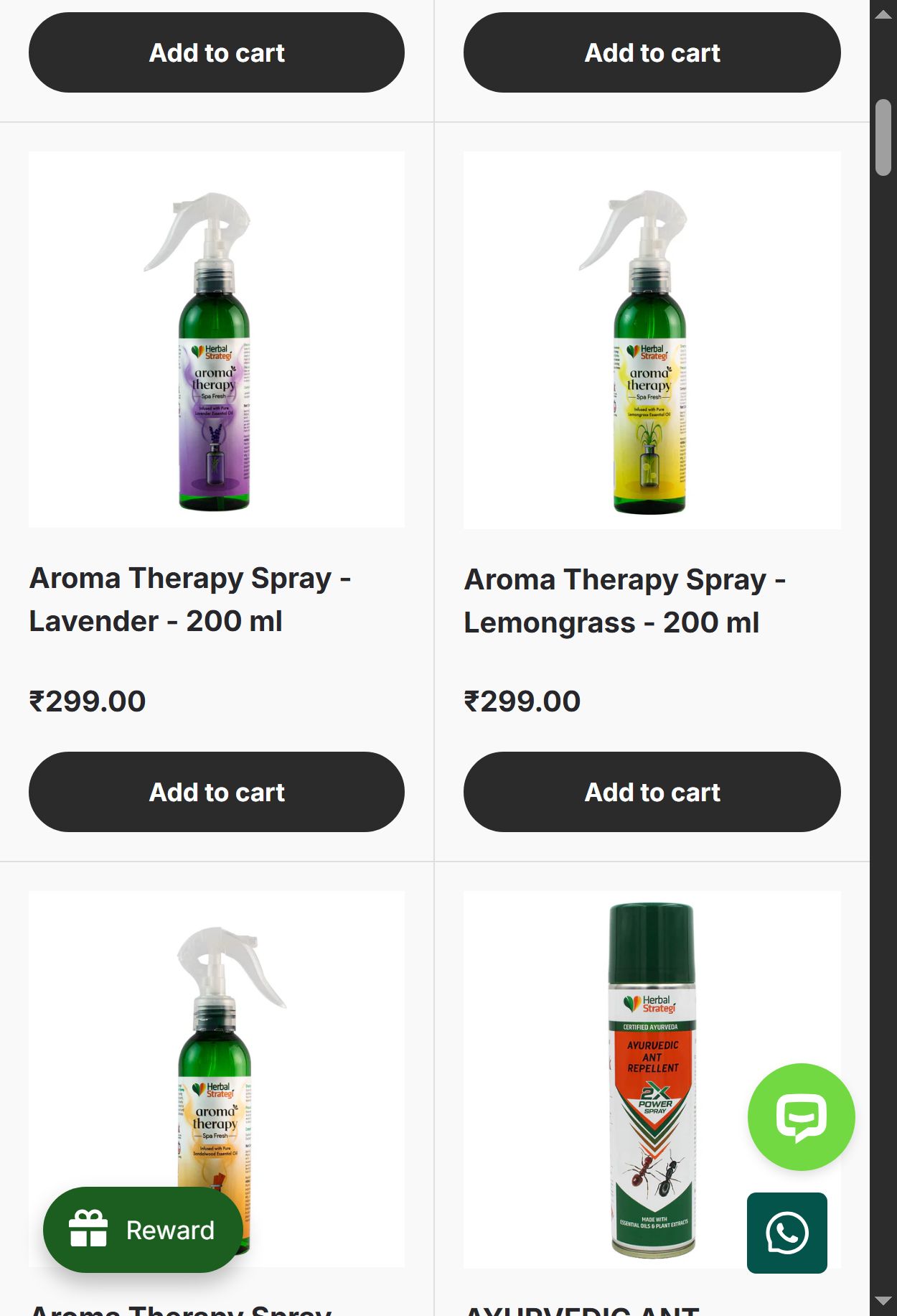
- Homepage bestseller cards show product image, title, star rating, and price — but no 'Add to Cart' button or cart icon on the card itself; the only action visible is an info icon (i) in the bottom-right corner.
- Users who recognise a product they want (e.g., a repeat buyer of AutoMos Starter Pack) must navigate to the PDP and then add to cart — an unnecessary 2-step journey.
- The info icon appears to open a quick-view but was not observed to have an ATC action — it creates confusion about whether clicking it adds the product or just shows details.
- Quick-add/ATC on product tiles is a P2 standard pattern present in 8/10 benchmark stores and is especially impactful for replenishment-driven pest control products.
- Replace or supplement the info (i) icon with a visible 'Add to Cart' button or green cart-plus icon on each product tile — triggered either on card load (always visible on mobile) or on single-tap.
- For multi-variant products, the tile tap should open a variant selector modal (pincode + quantity) before adding — the current pincode requirement on PDP makes a true one-tap ATC impractical, but a 2-step modal is still faster than PDP navigation.
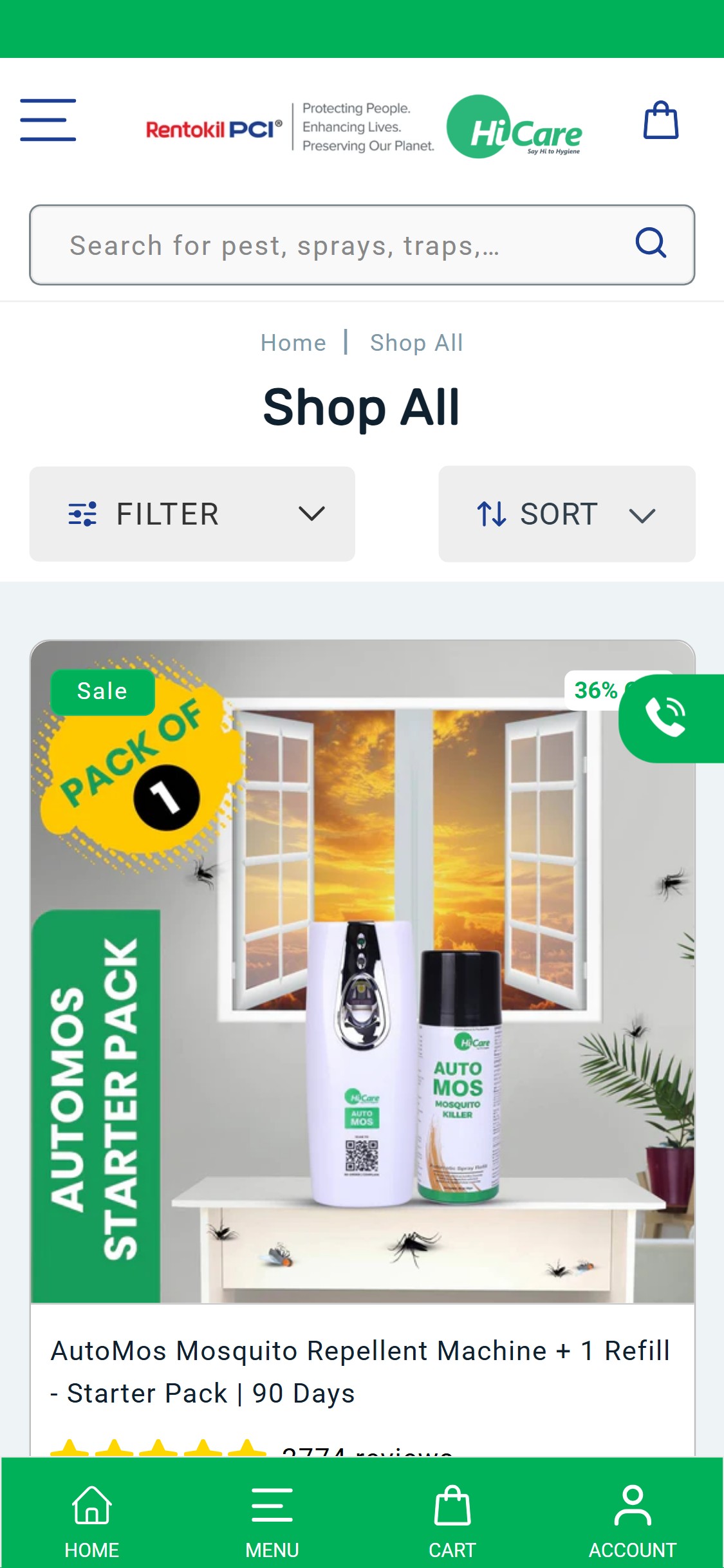
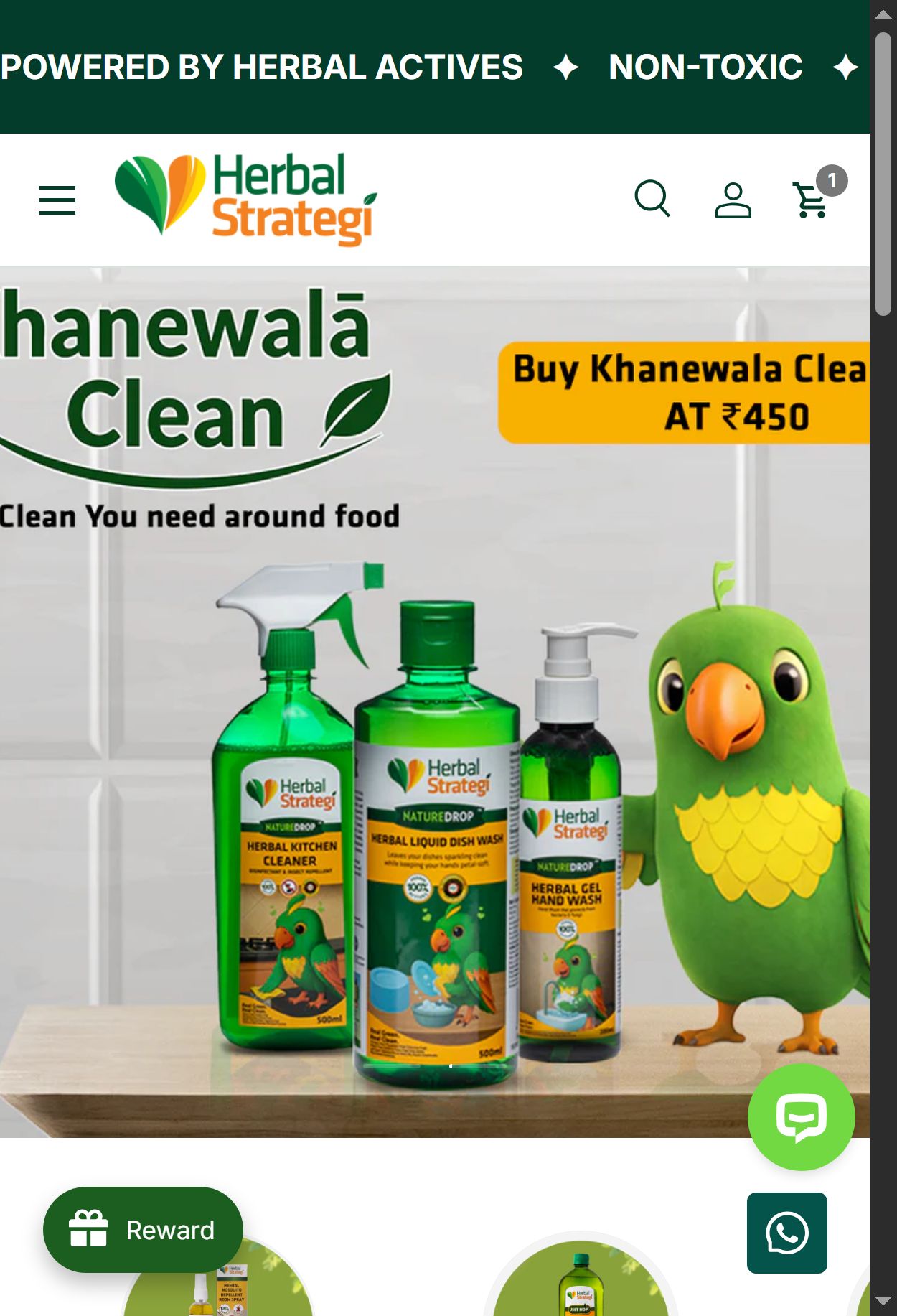
- The Shop All collection page shows a Filter button and a Sort button, but the filter categories available are not visible in the screenshot — the filter panel appears to be a generic Shopify filter with no pest-type or concern-based attributes.
- The collection loads as a single undifferentiated list — Mosquito, Cockroach, Termite, and Bed Bug products are mixed together with no visible in-page filtering or category subdivision.
- With 20+ SKUs across 6 pest categories and multiple product types (sprays, gels, machines, traps, refills), unfiltered browsing creates high cognitive load and increases scroll-to-exit.
- Attribute-based filtering (by pest type, format, room suitability) is present in 9/10 top H&W collection pages; for pest control it is as foundational as a size filter is for apparel.
- Implement tag-based or metafield filters with at minimum two axes: Pest Type (Mosquito, Cockroach, Termite, Bed Bug, Rodent) and Product Format (Spray, Gel, Machine, Trap, Refill).
- Add a filter chip row (horizontal scrollable pills) at the top of the collection page as a mobile-first alternative to the full filter drawer — pest icons with labels allow instant single-tap filtering.
- Show the active filter count on the Filter button (e.g., 'Filter (2)') so users know their filtered state.
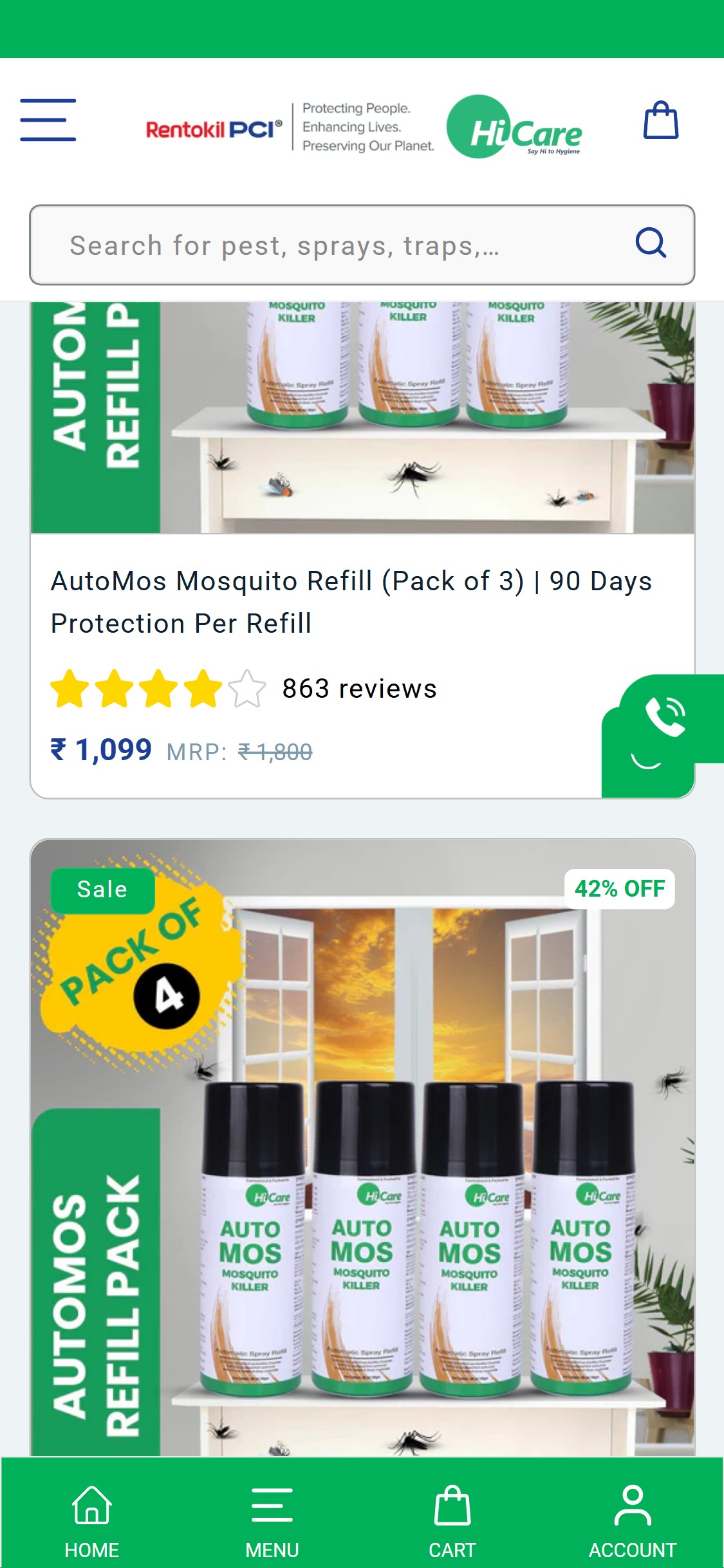
- Collection cards display product name, star rating + review count, sale price, and MRP/discount % — but no benefit tagline or efficacy claim beneath the title.
- Product names like 'AutoMos Mosquito Refill (Pack of 3) | 90 Days Protection Per Refill' carry some benefit context in the title itself, but shorter-named SKUs like 'Bug Seal Bed Bug Control Spray' give no purchase motivation on the card.
- Without a tagline, shoppers must click through to every PDP to understand product differentiation — particularly problematic when multiple SKUs address the same pest (three AutoMos variants are visible in a single scroll).
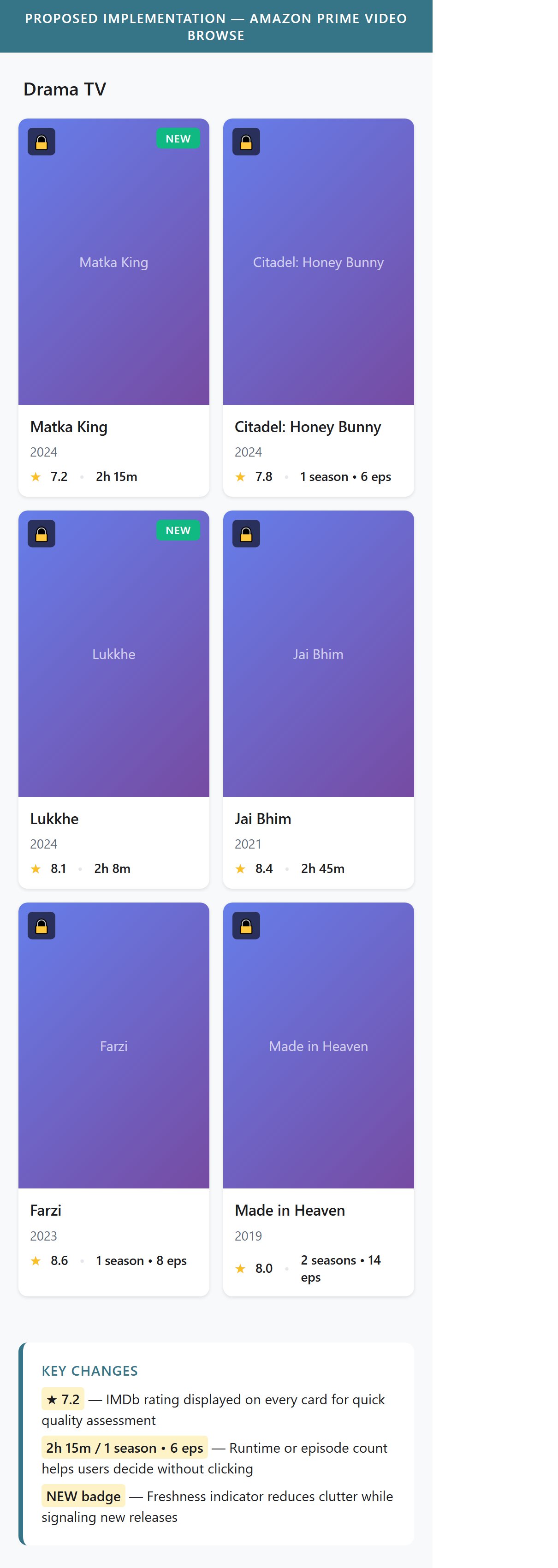
- Benefit taglines on collection cards are a growing pattern in 6/10 H&W benchmark stores and are shown to reduce PDP bounce rate by providing enough context to decide before clicking.
- Add a single benefit tagline (max 8 words, e.g., '90 Days Protection | No Plug-In Needed') below the product title on every collection card — sourced from the top benefit on the PDP.
- For refill/accessory products, the tagline should indicate compatibility ('Works with AutoMos Machine') to prevent wrong purchases and reduce returns.
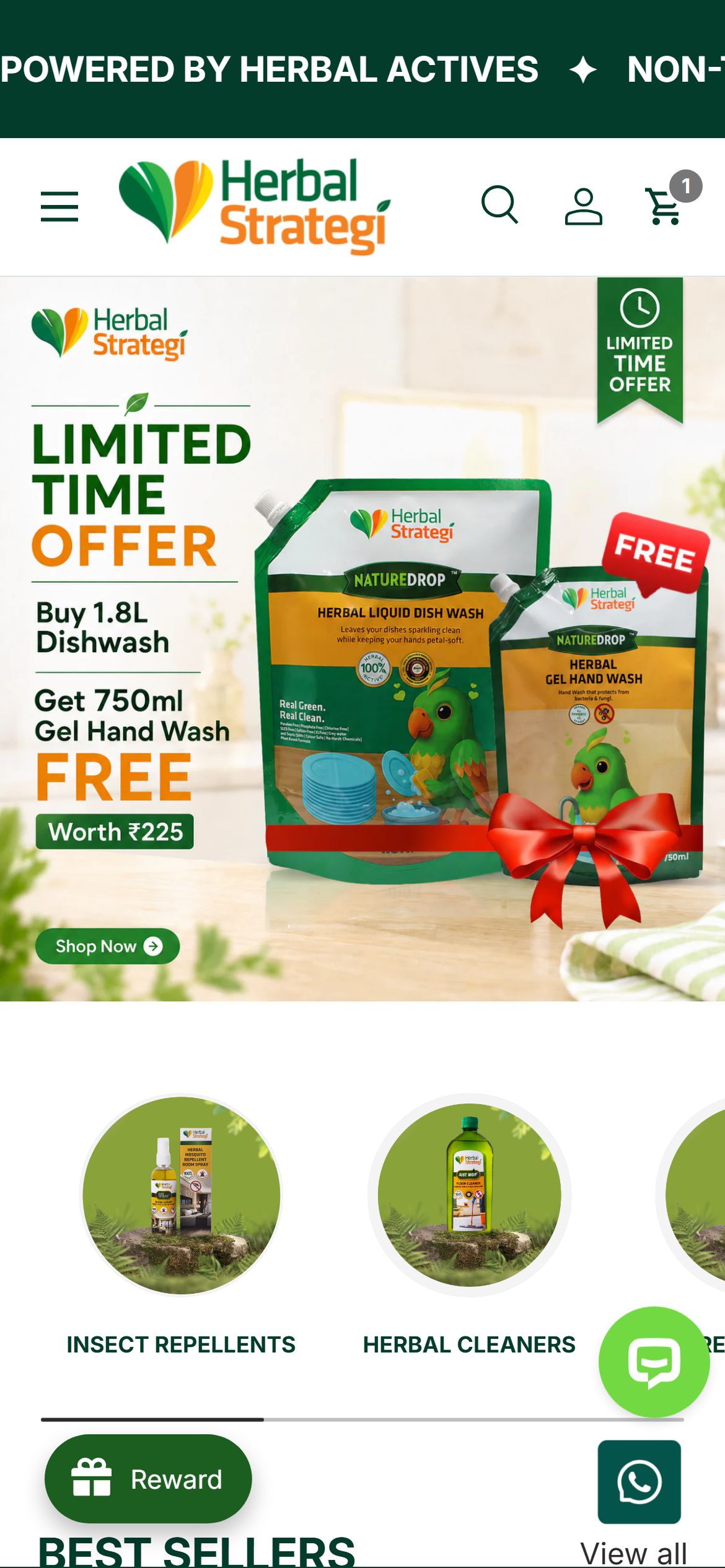
- No announcement bar is visible on any captured page (homepage, collection, PDP, cart) — the green header bar contains only brand logo and cart icon with no promotional messaging.
- The site offers free shipping for all orders (visible in the 'Our Top Priority' section) and has active discounts up to 70% off on PDPs, but this information is not surfaced persistently at the top of every page.
- Indian D2C shoppers are highly discount-motivated; the absence of a top-of-page messaging bar means offers are only discoverable once a user has already navigated to a specific product.
- Free shipping threshold messaging in a sticky announcement bar is present in 6/10 benchmark stores and directly influences cart size decisions made before checkout.
- Add a single-line sticky announcement bar above the header (or replace the green decorative top bar) with rotating messages: 'Free Shipping on All Orders | 70% Off Best Sellers | CIBRC Registered Products'.
- Include a countdown timer or limited-time offer trigger during sale periods to create urgency from the very first impression.
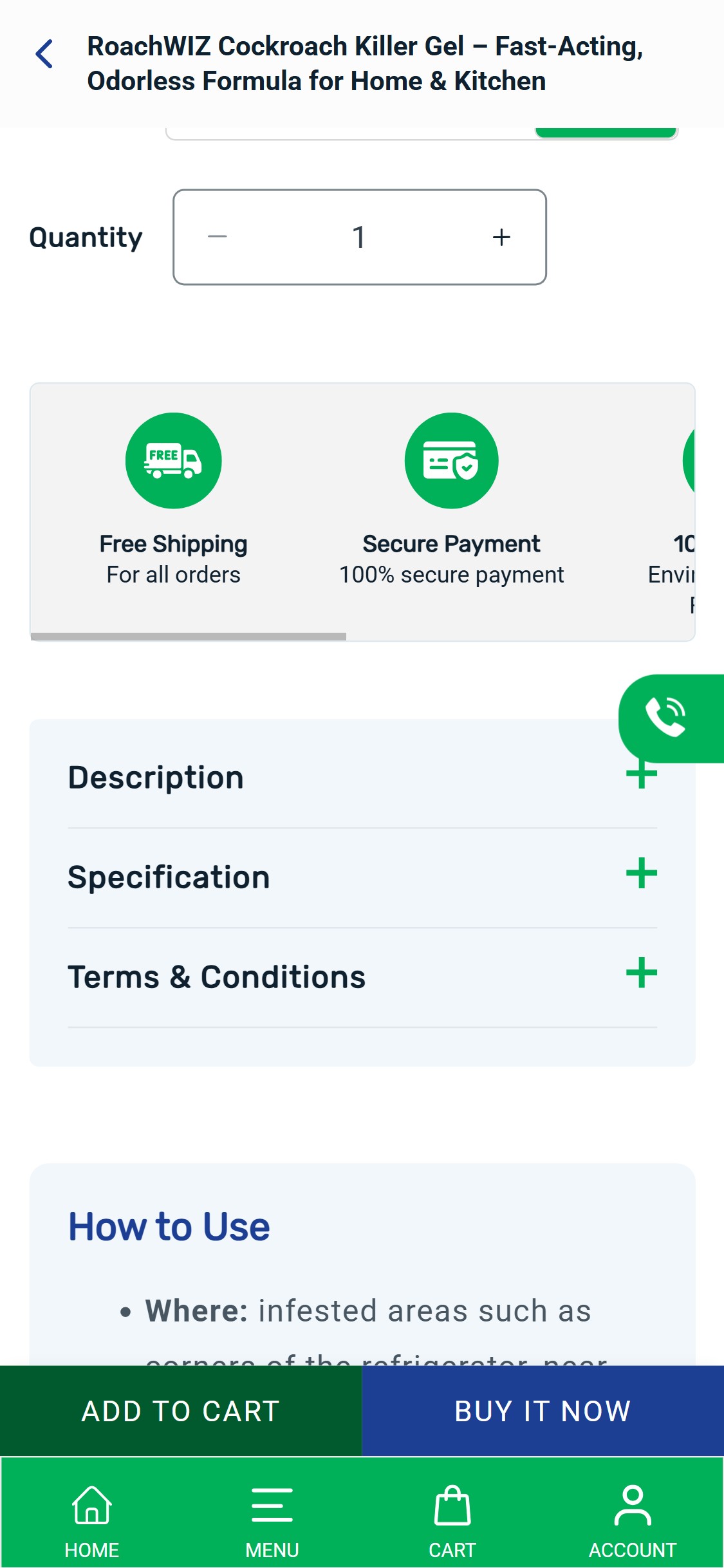
- The PDP has a persistent bottom bar with 'ADD TO CART' and 'BUY IT NOW' buttons — however, this bar appears to be the bottom nav bar replacement visible on every page, not a sticky product-specific ATC bar that appears as the user scrolls past the native ATC zone.
- Once the user scrolls past the price/ATC section, the bottom bar shows the site navigation (Home, Menu, Cart, Account) — meaning the ATC action disappears from view during the review, FAQ, and testimonials sections.
- The PDP contains substantial long-form content (How to Use, Q&A, Testimonials, About section) which requires extensive scrolling — without a sticky ATC visible during this content, purchase intent built during reading cannot be acted on immediately.
- Sticky ATC on mobile PDP is present in 4/5 top India Health & Wellness stores and is one of the highest ROI single changes for mobile-heavy Indian D2C brands.
- Implement a sticky bottom ATC bar that activates once the user scrolls past the native price/ATC section — it should show the product title (truncated), price, and an 'Add to Cart' button in brand colors (green/blue).
- The sticky bar must trigger PCI HiCare's cart flow (including the pincode verification step) to maintain delivery eligibility checks — ensure it does not bypass the pincode gate.
- The PDP for RoachWIZ Cockroach Killer Gel shows a Benefits section and a Specification accordion but there is no visible disclosure of the active chemical ingredient (e.g., Imidacloprid 2.15% w/w), WHO toxicity classification, or safety warnings for children/pets.
- Pest control products are chemically active insecticides — Indian families with children, pets, or elderly members routinely ask 'is this safe?' before buying; unanswered safety questions are a primary reason for cart abandonment in this category.
- The 'Specification' accordion is collapsed by default — even if ingredient data exists inside, it is not visible without an extra tap and there is no visual cue that safety information is present.
- Active ingredient disclosure with WHO/CIBRC safety classification is present in 9/10 benchmark H&W stores (adapted: this is the pest control equivalent of supplement ingredient panels required by health-conscious shoppers).
- Add a visible 'Safety & Ingredients' section above the fold (below Benefits, before the ATC) that shows: Active Ingredient name and %, WHO toxicity class (e.g., 'Class IV — Slightly Hazardous'), and a 'Safe around family when used as directed' badge.
- Include a 'How it Works' mechanism (e.g., 'Intelligel technology attracts cockroaches via domino effect') as a trust-building summary so the product's mode of action is transparent.
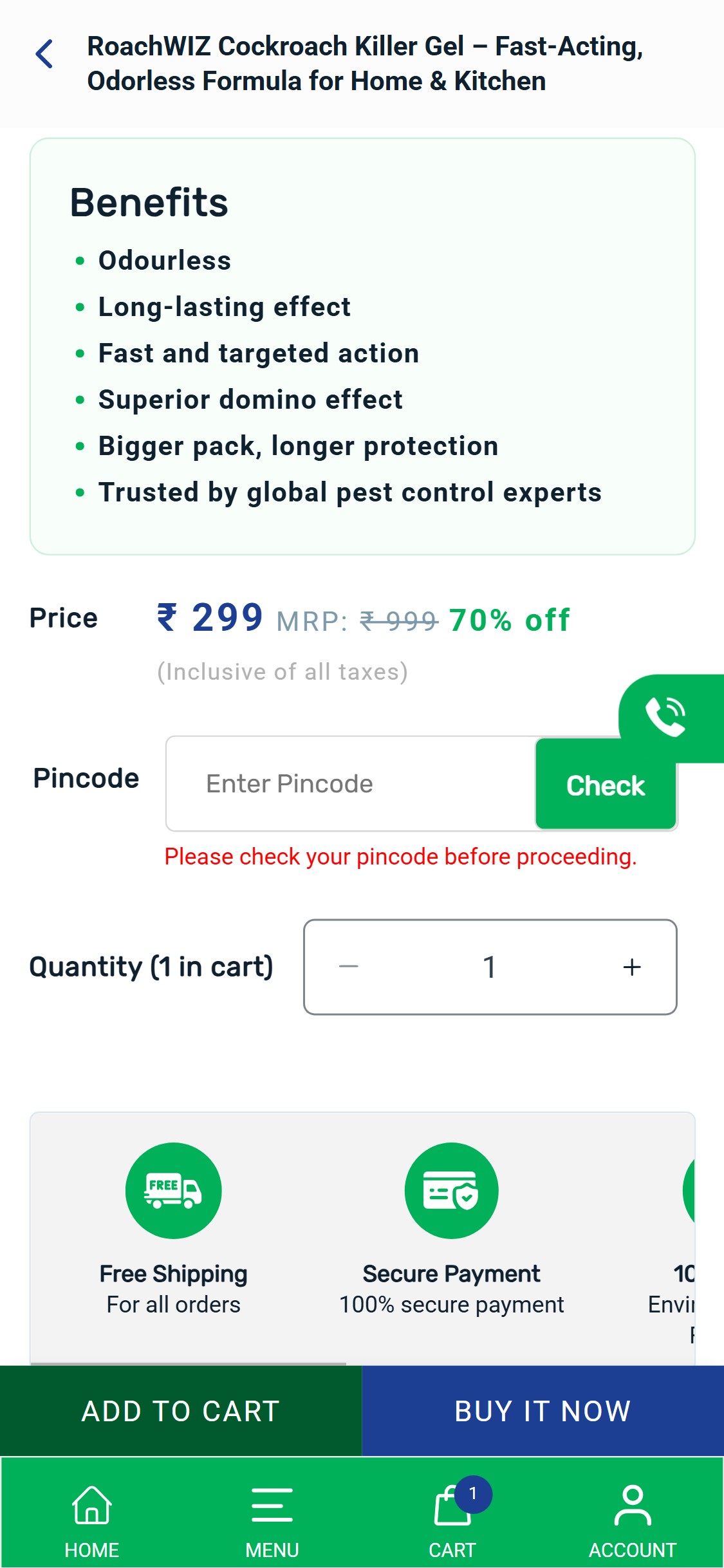
- The PDP shows a 'Pincode — Enter Pincode → Check' field that must be completed before the cart action — after tapping Add to Cart without entering a pincode, a red warning 'Please check your pincode before proceeding' blocks the action.
- Forcing delivery eligibility verification as a pre-requisite to adding a product interrupts the purchase decision at the most critical moment — users who are ready to buy are stopped cold and asked to perform a task they did not anticipate.
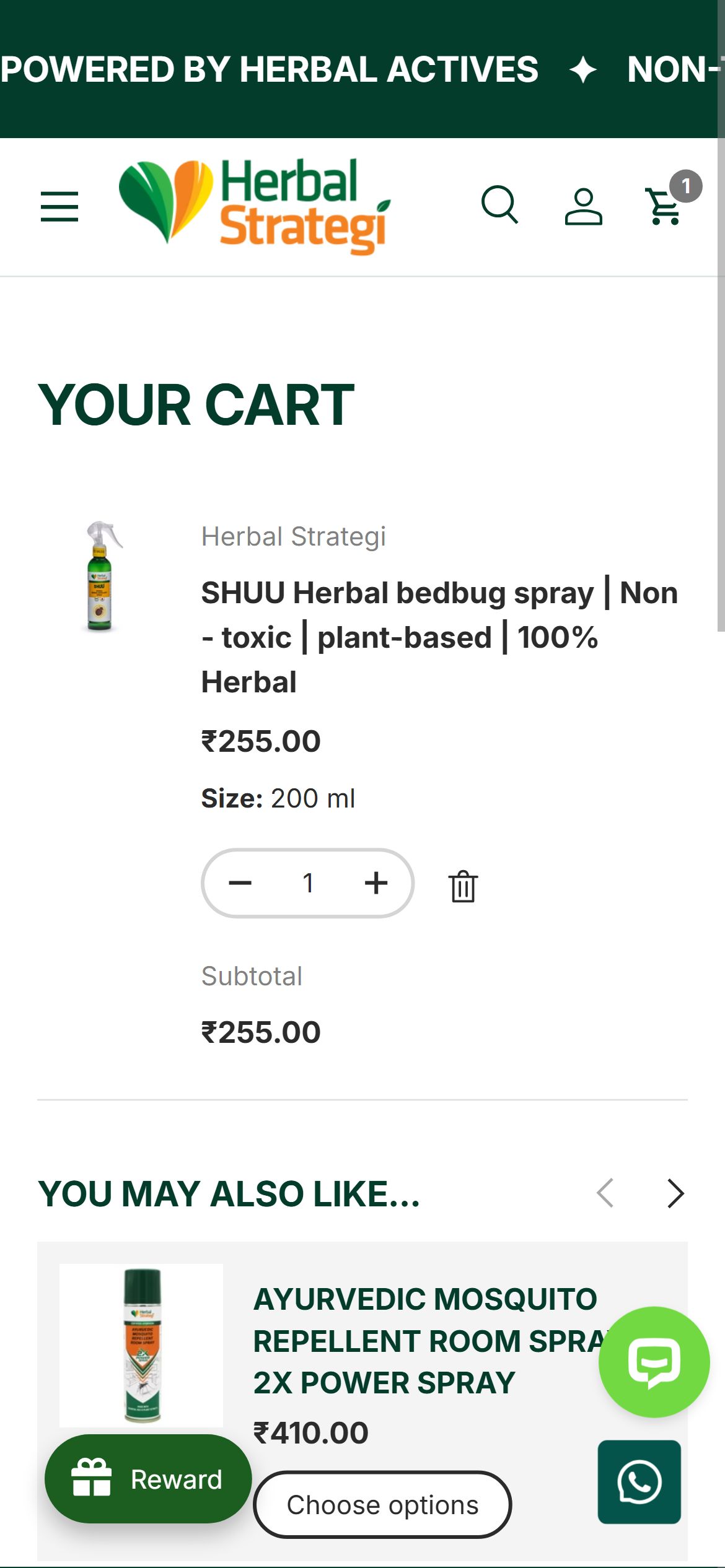
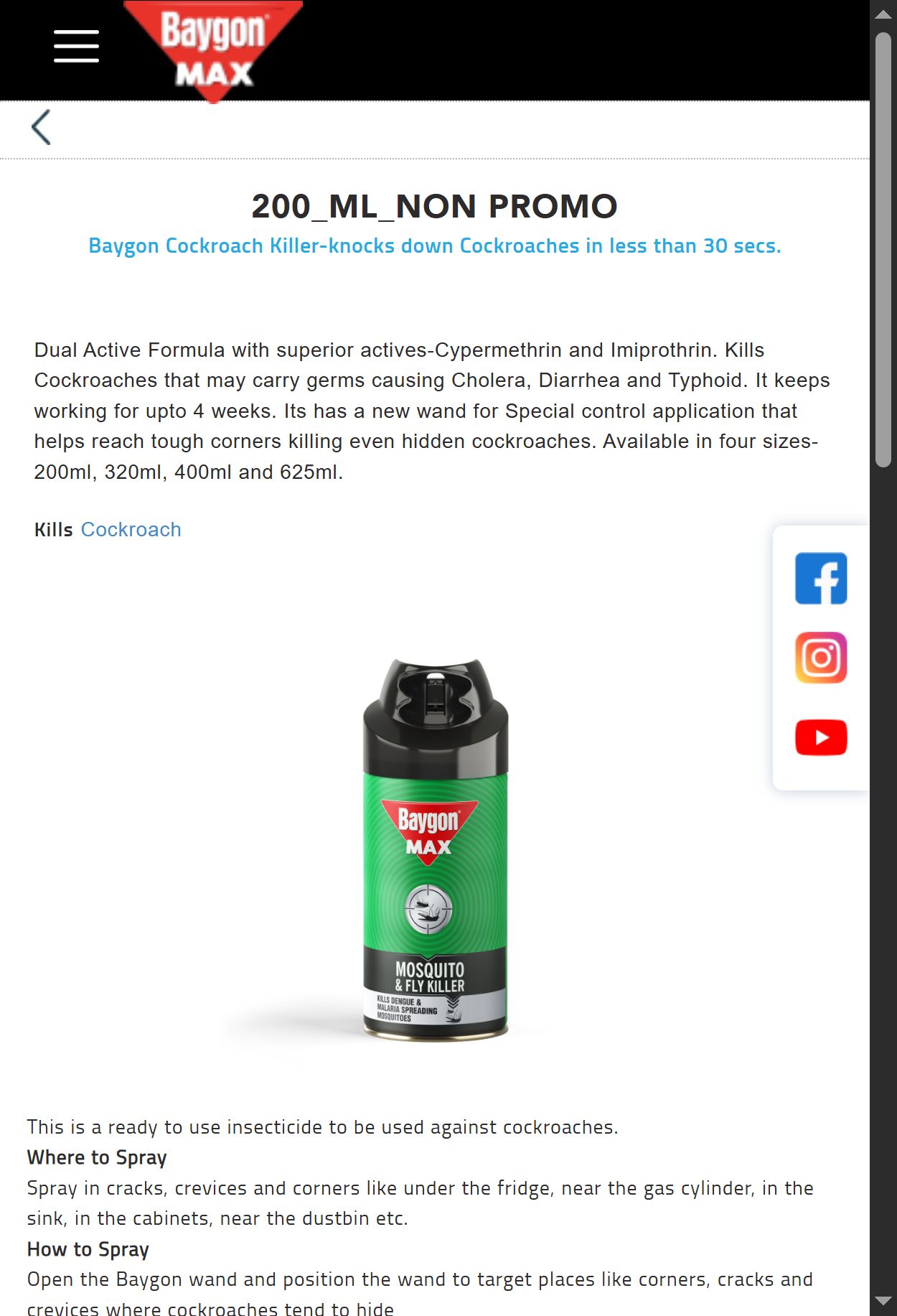
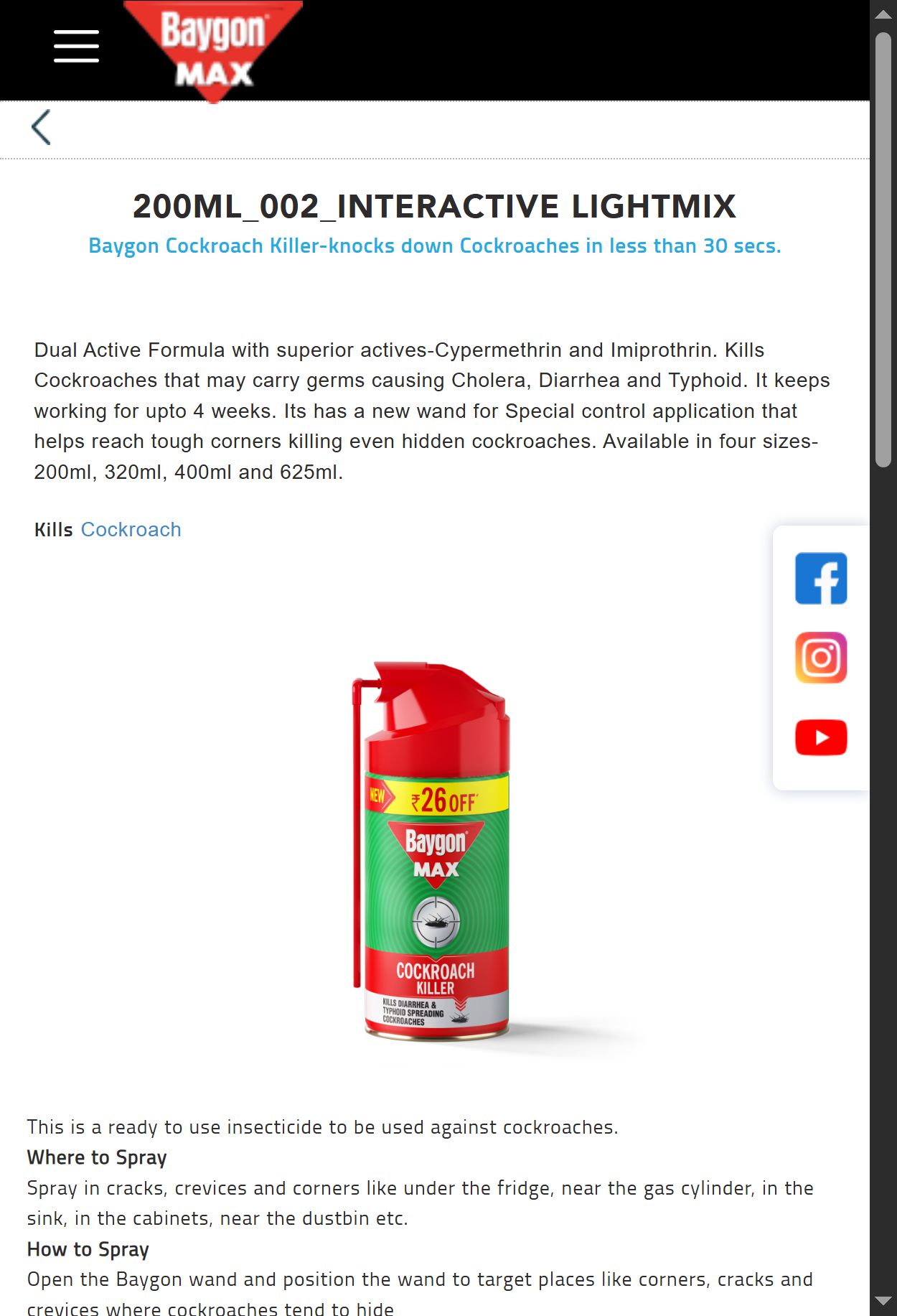
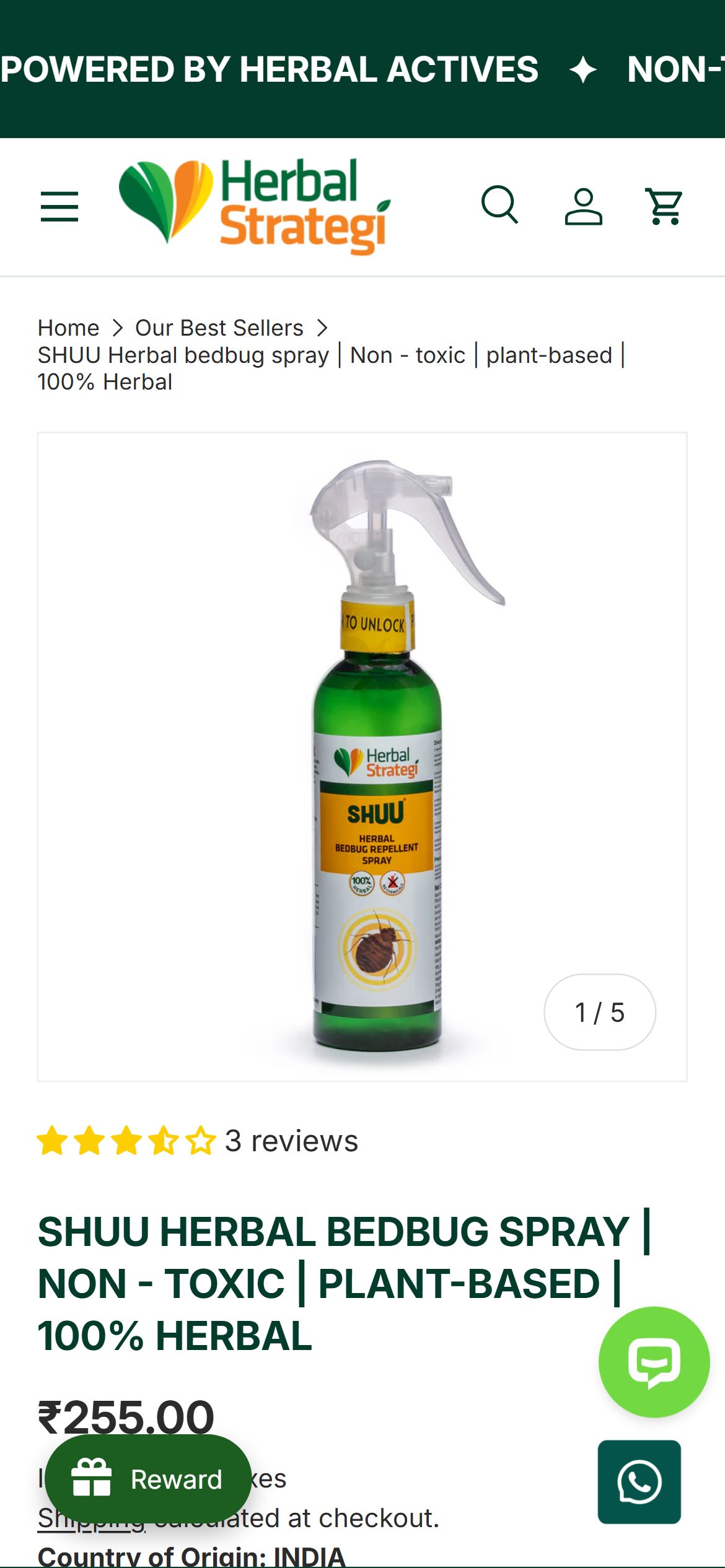
- Most Indian D2C brands (including Herbal Strategi, Baygon) use pincode checking as a non-blocking delivery-estimate feature — the check happens but does not prevent cart addition; COD eligibility is validated at checkout instead.
- This anti-pattern is especially harmful on mobile where typing a 6-digit pincode is a friction-heavy task that may cause exit to competitor sites.
- Convert the pincode check from a mandatory pre-ATC gate to an optional delivery-estimator widget — allow users to add to cart freely and validate delivery eligibility (COD/prepaid) at the checkout step where address is already collected.
- If pincode gating is a business requirement (e.g., certain regions not served), show a 'Check Availability' link that opens a non-blocking modal — the ATC button remains active unless the check explicitly returns 'not serviceable'.
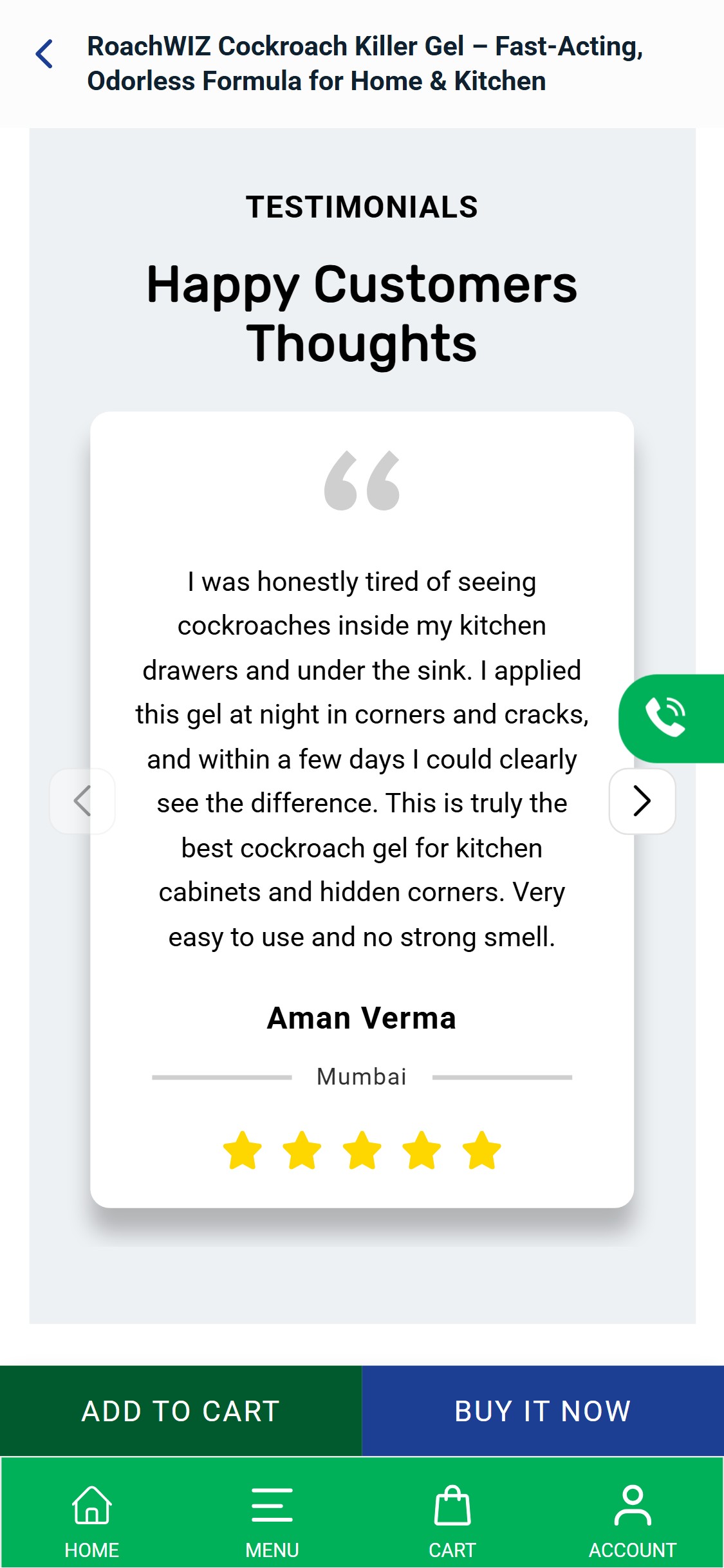
- The PDP review section shows a custom 'Happy Customers Thoughts' testimonials carousel with manual-entry text quotes (Aman Verma, Mumbai) — these are curated testimonials, not a structured review widget with verified purchase badge, star breakdown, or review count.
- The product card on collection shows '18 reviews' for RoachWIZ and star ratings on product tiles, but the PDP itself does not show a scrollable list of individual reviews — users cannot read specific reviews before buying.
- Testimonials without platform verification (e.g., Shopify-verified purchase, Google Review import, Judge.me/Yotpo badge) carry lower trust than platform-verified review widgets for safety-sensitive categories.
- Structured star ratings with breakdown and scrollable individual reviews are present in 8/10 benchmark H&W stores and are the #1 on-page trust signal for health and safety products.
- Implement a structured review app (Judge.me, Yotpo, or Okendo) on PDP showing: star rating breakdown (5-star to 1-star bar chart), total review count, individual reviews with Verified Buyer tag, photo upload option for customer photos.
- The existing review count displayed on collection cards suggests reviews exist in a backend system — surface them on the PDP immediately using the existing data rather than waiting for app implementation.
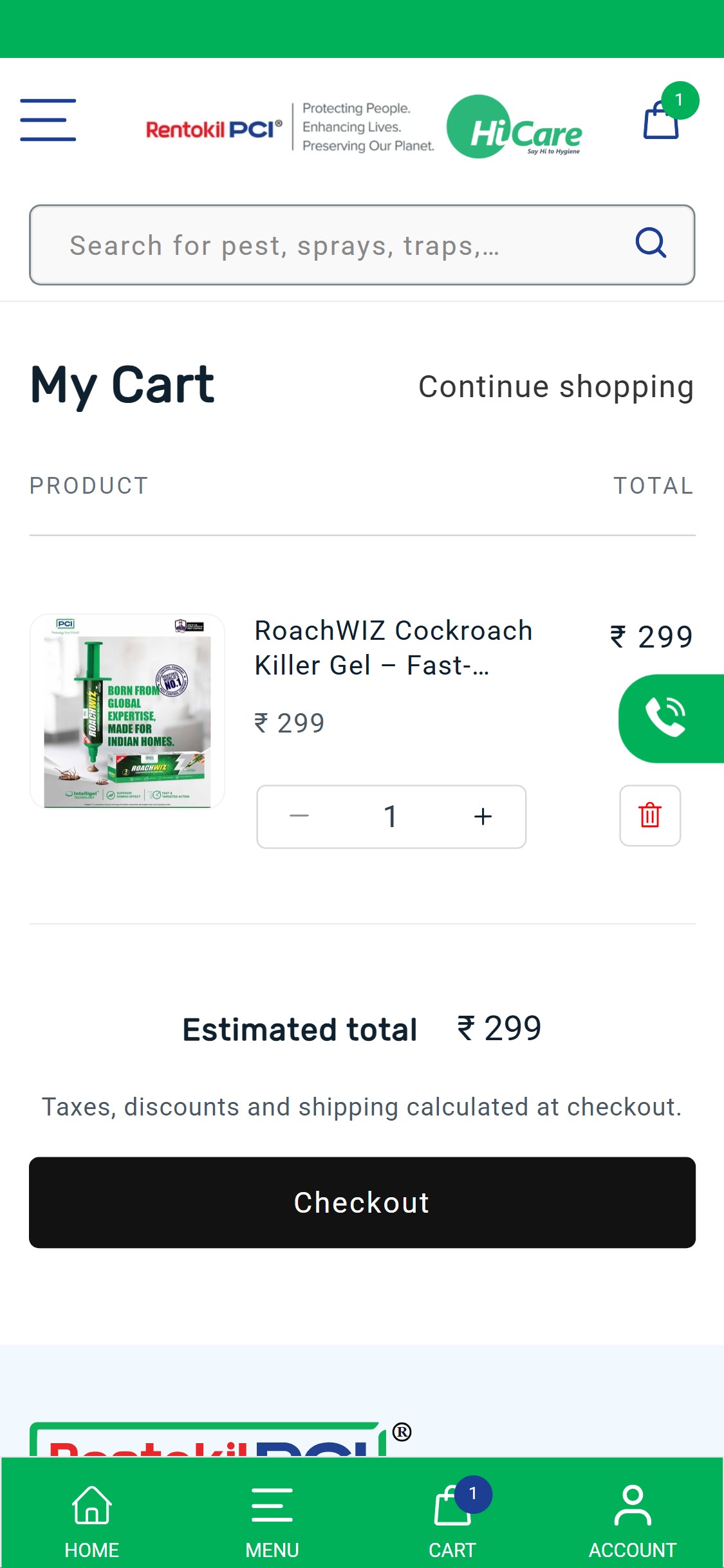
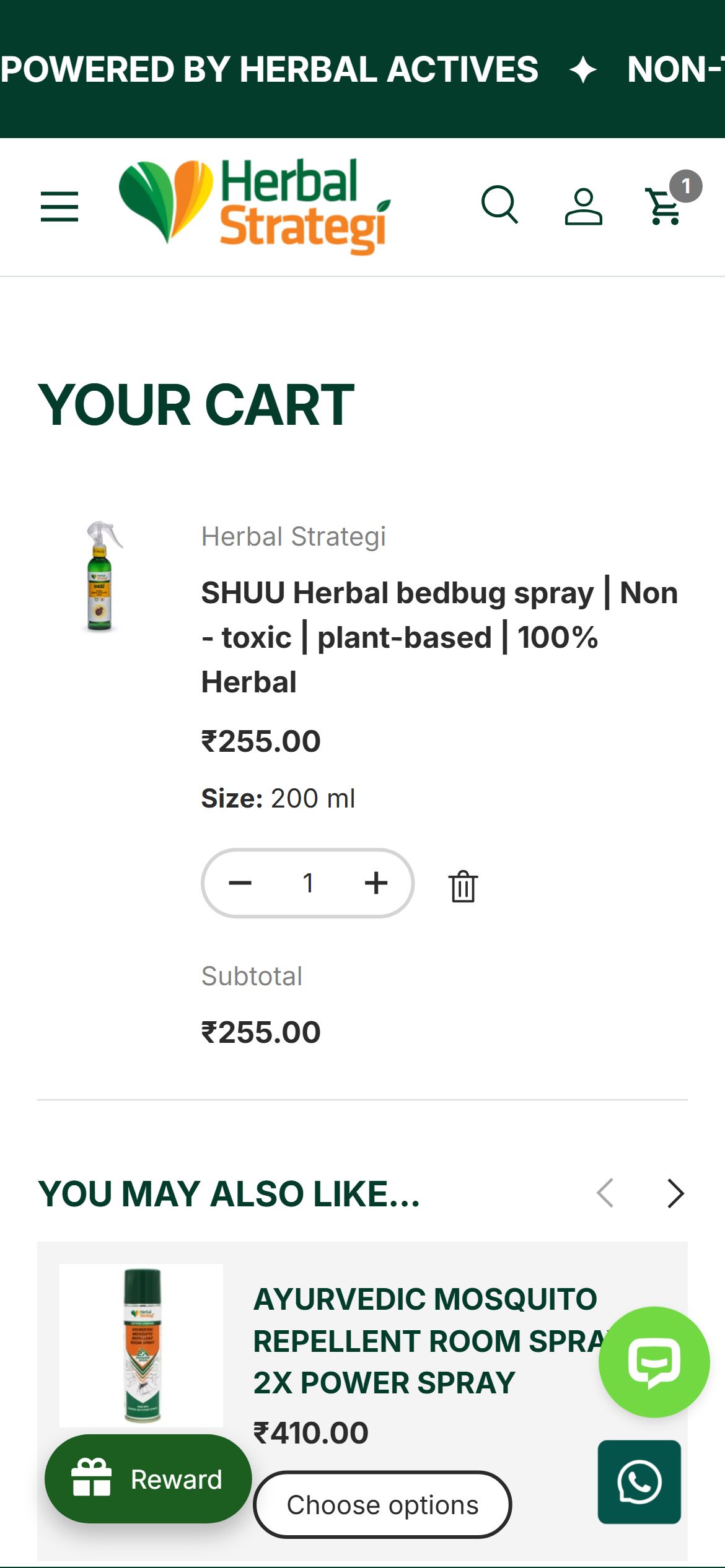
- The cart page (My Cart) shows only the item added, an estimated total, and a black 'Checkout' button — there are no product recommendations, bundle suggestions, or complementary product prompts anywhere on the cart page.
- PCI HiCare's product catalogue is naturally cross-sell-friendly: a customer buying RoachWIZ Gel is a prime candidate for the Pest Seal Cockroach Killer Spray for surfaces; an AutoMos machine buyer needs refills.
- The cart page scrolls to the footer with no content between the checkout button and the footer — this blank space is a missed opportunity to surface 1-2 targeted recommendations.
- Cross-sell in cart is present in 8/10 H&W benchmark stores and is especially effective for multi-pest households in India where one purchase often leads to another category need.
- Add a 'You May Also Need' or 'Complete Your Pest Protection' section below the checkout button in the cart with 2-3 algorithmically matched or editorially curated products (e.g., if cart has Cockroach Gel → show Cockroach Spray; if cart has AutoMos machine → show AutoMos Refill 3-pack).
- Consider a 'Frequently Bought Together' bundle prompt at the top of the cart when a single-item cart is detected — offer a 5-10% bundle discount to increase item count per order.
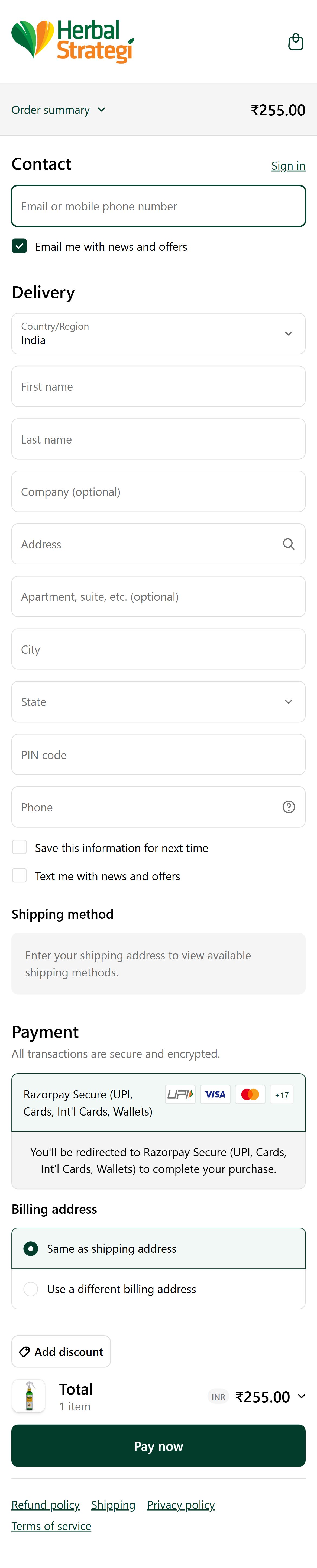
- The cart page shows 'Estimated total ₹299 — Taxes, discounts and shipping calculated at checkout' and a 'Checkout' button — there is no mention of COD availability, UPI, or any payment method icons in the cart.
- For a pest control brand selling to pan-India including Tier 2/3 cities, COD is a critical conversion driver — Indian D2C data shows 60%+ of orders from non-metro areas use COD, and its absence from the cart creates purchase uncertainty.
- The checkout button uses a black background (not the brand green) and no trust micro-copy ('Secure Checkout', '100% Safe Payment', 'COD Available') — the transition from cart to checkout feels abrupt with no reassurance.
- COD visibility in the cart is a standard pattern in 9/10 top Indian D2C stores — brands that explicitly confirm COD availability in cart see measurably lower cart abandonment in Tier 2/3 cities.
- Add a 2-line payment options strip below the checkout button showing: 'Pay via UPI | Credit/Debit Card | NetBanking | COD Available' with small payment method icons (GPay, PhonePe, Visa, Mastercard, COD bag icon).
- Add trust micro-copy on the checkout button or just above it: '100% Secure Payment | COD Available' — this single-line addition addresses the two biggest checkout hesitations for Indian mobile shoppers.

- The cart page states 'Taxes, discounts and shipping calculated at checkout' but makes no mention of the free shipping policy visible on the PDP ('Free Shipping — For all orders') — a customer seeing this ambiguous message may worry about an undisclosed shipping cost.
- Since PCI HiCare appears to offer free shipping on all orders, a progress bar is not applicable in the AOV-boosting sense — however, confirming 'Free shipping applied!' within the cart removes ambiguity and increases checkout confidence.
- If there is a minimum order value for free shipping, the cart is the optimal place to show how close the customer is — the current cart design makes no reference to the shipping policy at all.
- Free shipping threshold or confirmation messaging in cart is present in 6/10 benchmark H&W stores and removes a top-3 reason for checkout abandonment.
- If free shipping applies to all orders: add a green confirmation line 'Free shipping applied on this order' just above the estimated total — this converts a potential objection into a positive reinforcement.
- If there is a minimum order threshold: add a visual progress bar ('Add ₹X more for free shipping') showing how close the current cart total is to the threshold, with 1-2 product suggestions to bridge the gap.
Performance & Technology
Core Web Vitals, page-speed signals, and the technology stack powering PCI HiCare
Core Web Vitals
Technology Stack
Performance & Technology Assessment
Mobile performance is needs work (—/100); desktop is needs work (—/100) on Shopify. Page-speed and Core Web Vitals are increasingly load-bearing for SEO and conversion in this category — addressing the weakest vital first is the single highest-leverage technical improvement available.
Confidential — Prepared for PCI HiCare by Growisto | May 2026
App Ecosystem
What's installed vs what's missing from best-in-class Health & Wellness stores
Present (5)
Missing (5)
App Stack Assessment
PCI HiCare's app ecosystem is lean with a solid foundation: a functioning cookie consent solution, review data being collected (evidenced by high review counts on collection cards), a customer support FAB, and a delivery checker. The primary gaps are (1) the review app not rendering its full widget on PDPs despite data being present — a quick theme template fix, (2) absence of cart cross-sell/upsell which is leaving AOV on the table given a natural multi-pest multi-SKU catalogue, (3) no announcement bar to communicate the free shipping and active discount offers, and (4) no subscription option for the highly replenishable AutoMos refill product line. The pincode delivery checker, while a reasonable feature concept, is currently configured in a way that creates unnecessary pre-ATC friction and should be reconfigured to be advisory rather than blocking. None of these gaps require major platform changes — all are Shopify app installs or existing-app configuration updates.
Confidential — Prepared for PCI HiCare by Growisto | May 2026